

Zapier
Zapier lets you connect AdvocateLoop to thousands of other apps without writing code. You can react to referral events (a new conversion fires a Slack message, adds a row to a sheet, emails an advocate), send events into AdvocateLoop (record a conversion or refund from another system), and look up a customer’s referral coupon to use elsewhere in your flow.
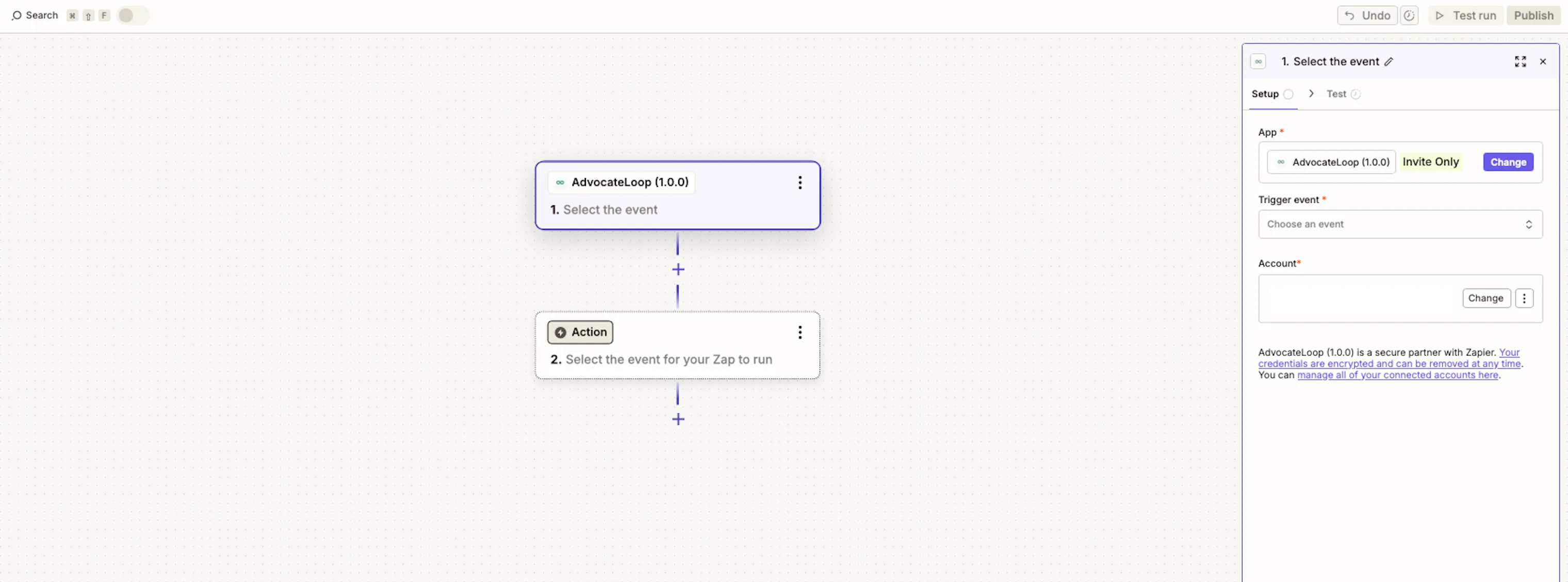
Connect your account
The first time you use AdvocateLoop in a Zap, Zapier asks you to connect your account.
- When prompted, enter your API Key and Brand ID.
- Both come from your dashboard under Admin → Developers — see Find your API Key & Brand ID.
- Zapier verifies the credentials and saves the connection for reuse across Zaps.
Once connected, Zapier labels the connection with your brand’s name, so if you manage more than one brand you can tell your connected accounts apart at a glance.
Triggers
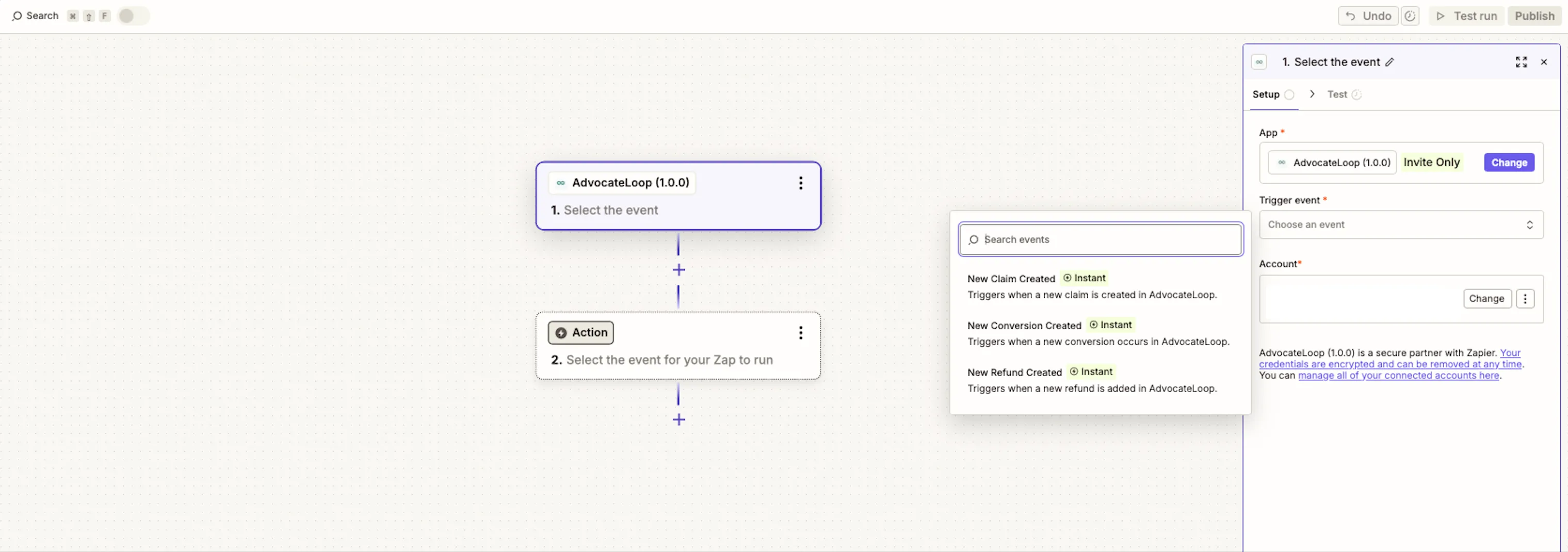
Triggers start a Zap when something happens in AdvocateLoop. Use a trigger as the first step of a Zap, then send the event anywhere — Slack, Google Sheets, your CRM, email, and so on.
| Trigger | Fires when |
|---|---|
| New Conversion | A referred purchase is recorded |
| New Claim | A referred visitor redeems a referral |
| New Refund | A previously recorded purchase is refunded |
Each trigger delivers the details of the event — customer email, order and referral information, the associated coupon, and (for new claims and conversions) the order’s line items — ready to map into the next step of your Zap.
Actions
Actions let a Zap send data into AdvocateLoop from another app, or look something up. For the full field reference behind each action, see the REST API page — the Zapier actions map to the same events.
| Action | What it does | Availability |
|---|---|---|
| Track Claim | Records a claim against a referral code | Premier |
| Track Conversion | Records a conversion (a referred purchase) | All plans |
| Track Refund | Records a refund against a prior conversion | All plans |
| Find Customer | Looks up a customer’s most recent open claim by email (a search step) | All plans |
Track Claim
Records that a customer is redeeming a referral. You provide the referral code and customer email (both required); optionally the customer’s name and phone, a coupon code, and the order’s line items.
Recording a claim from an external system through Zapier requires a Premier plan.
Track Conversion
Records a referred purchase. You provide:
- Customer email (required)
- Order total (required) — everything the customer paid, including tax and shipping, after discounts
- Tax, Shipping, Discount (required — enter
0if not applicable) - Optionally: an order ID (recommended — it lets refunds match back to this order and prevents duplicates), the order’s line items, any coupon codes applied, and the purchase date/time
A conversion always belongs to an existing claim. If the customer has no prior claim in AdvocateLoop — created by your widget or by a Track Claim step earlier in the Zap — the conversion is acknowledged but not attributed. When unattributed orders exist, the sale appears under Activity → Unattributed rewards, where you can credit the transaction to the right advocate.
Track Refund
Records a refund against a conversion you previously tracked. You provide the order ID, a refund ID, and the refund amount (all required); optionally a refund reason. For a full refund, send the full order total as the amount; for a partial refund, send the partial amount. AdvocateLoop figures out whether the refund is partial or full from the amounts.
If the matching conversion hasn’t been recorded yet (for example, the refund event reaches Zapier before the purchase does), the step reports an error and Zapier retries — the refund ID keeps that safe from double-counting.
Find Customer
Looks up a customer by email and returns their most recent open claim — including the AdvocateLoop coupon code, claim type, and line items — or nothing if they have no open claim.
This is most useful when your store or payment processor doesn’t pass the referral coupon into Zapier: look the customer up by email, then use the returned coupon code in a later step. It also works as the search half of a search-or-create (Find Customer → if none found, Track Claim).
Example Zaps
A few ways teams wire AdvocateLoop into their stack:
- New Conversion → Slack — post to a channel each time a referral converts.
- New Conversion → Google Sheets — append a row for reporting.
- New Refund → CRM — flag the customer record when a referred order is refunded.
- Order paid in your platform → Track Conversion — record conversions from a checkout AdvocateLoop doesn’t directly integrate with.
- Find Customer → Track Conversion — when your checkout doesn’t forward the coupon, look it up by email first, then record the conversion.
- Find Customer → (if none) Track Claim — a search-or-create that records a claim only for customers who don’t already have one.