

Dashboard Setup
Once your account exists, you set up and run your referral program from the dashboard at app.advocateloop.com. Most of the setup lives under Configure, and you generally only need to do it once.
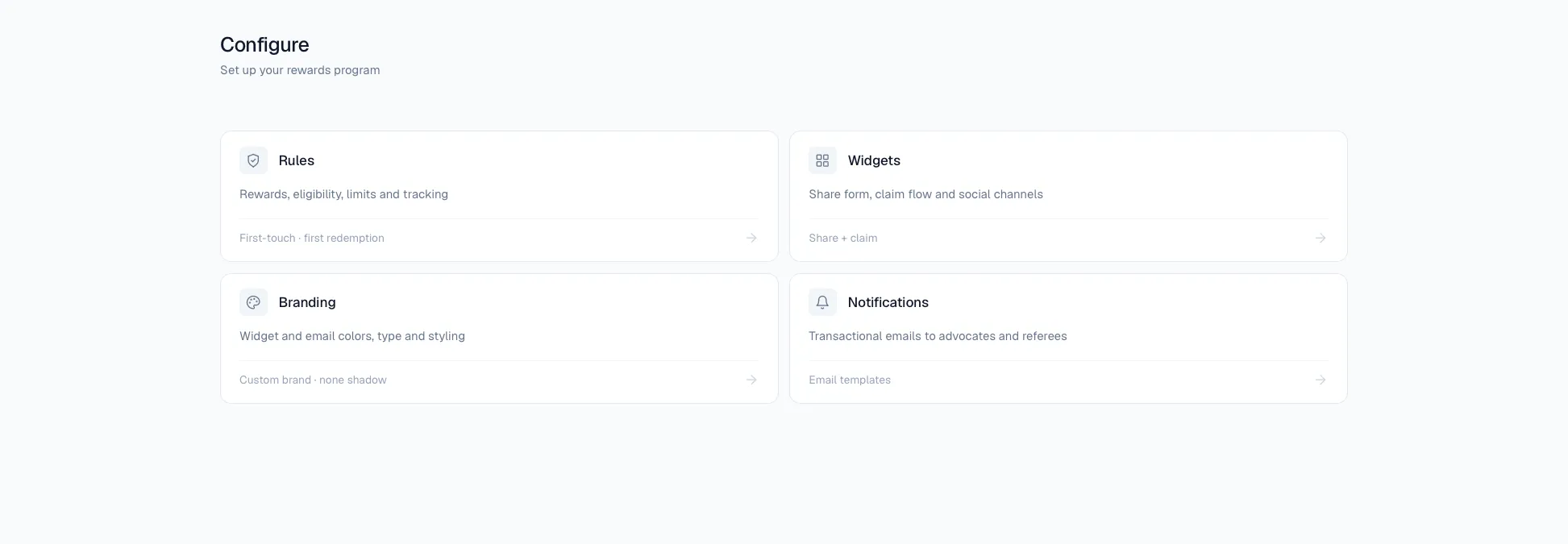
What you’ll configure
- Branding — your logo, colors, and accent.
- Rewards — what advocates earn and what referred friends get.
- Rules — program-level settings such as your attribution window.
- Widget — how your referral widget looks and what it says.
- Notifications — which program emails get sent.
- Users — members, roles, and billing.
A good order to set things up
- Branding first, so everything else inherits your look.
- Rewards, so there’s an offer to give.
- Widget Settings, to match the widget to your brand and messaging.
- Rules and Notifications, to fine-tune behavior and emails.
- Users, to invite anyone who needs access.
Once configured, your widget, plugin, or API integration uses these settings automatically — there’s nothing to re-enter on the integration side beyond your API Key & Brand ID.