

Create Your Account
Everything in AdvocateLoop is tied to a brand — your business — so the first step is creating an account and your brand. It takes a couple of minutes.
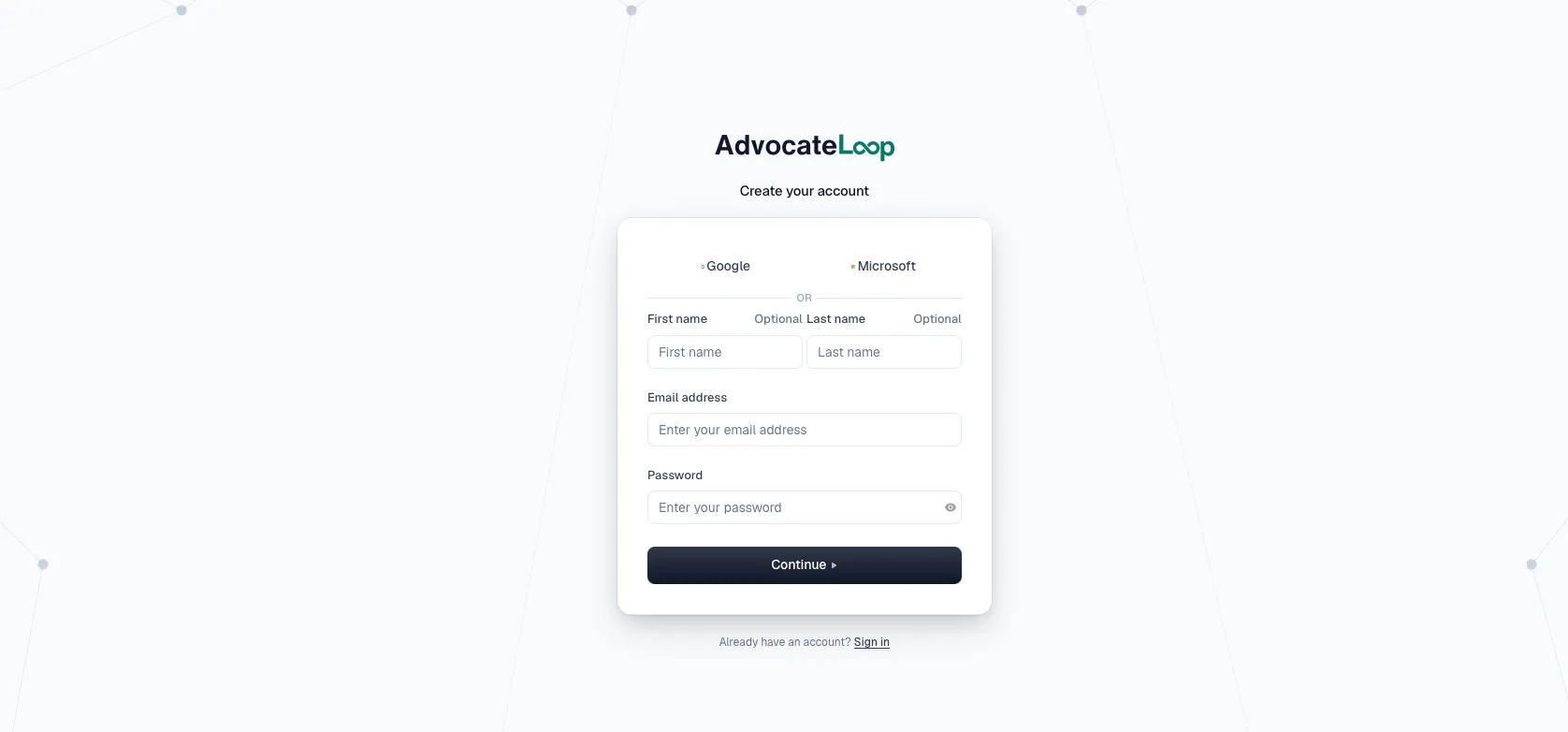
Sign up
- Go to advocateloop.com/pricing to choose a plan.
- Next, create your account. AdvocateLoop has a free tier and Trial plans, so you can get set up and explore before paying anything.
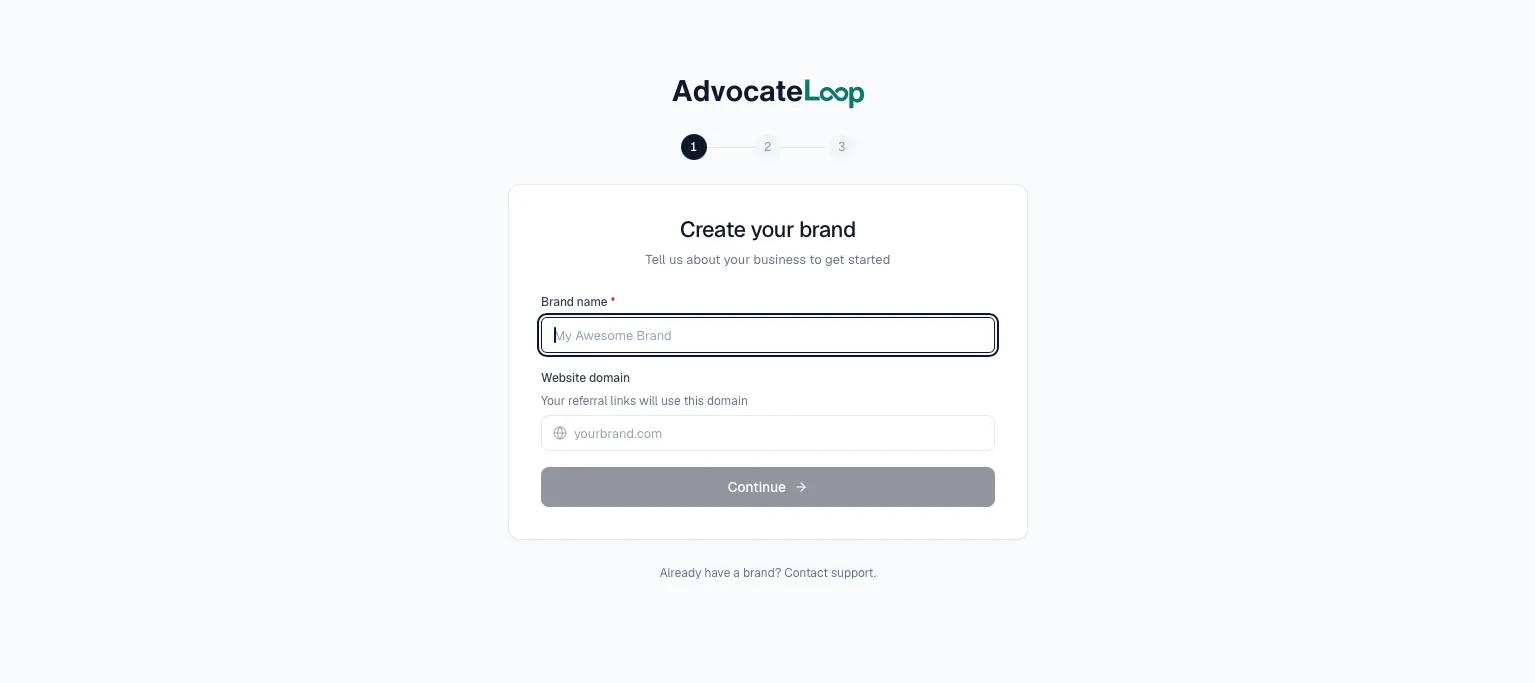
Set up your brand
After signing up, you’ll create your brand. Your brand holds your referral program, settings, branding, advocates, and tracking data, and is identified by a unique Brand ID.
Choose a plan
AdvocateLoop offers multiple plans, including a free tier to start. You can change plans later as your program grows — see pricing for current plans and limits.
Next: connect your tools
With your brand created, grab the two values everything else uses to talk to AdvocateLoop:
Find your API Key & Brand ID →
Then jump into the Quickstart for your platform.