

Branding
Branding controls how AdvocateLoop looks to your customers — in the referral widget, on your hosted brand page, and in program emails. Set it once under Configure → Branding.
What you can set
- Logo — shown on hosted pages and in all emails.
- Accent color — the primary color used for hosted page backgrounds, icons and highlights (in select states).
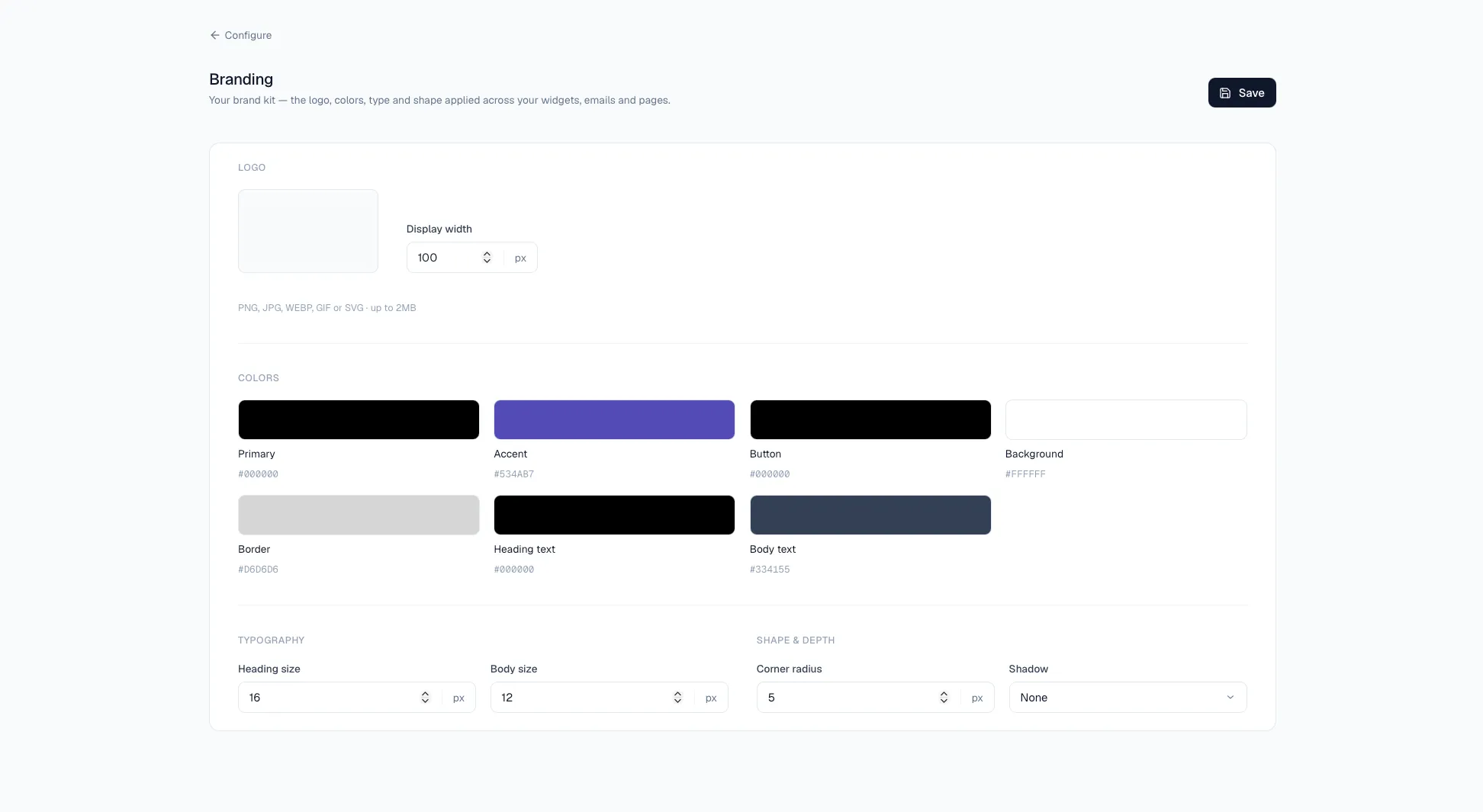
Set your branding
- Go to Configure → Branding in your dashboard.
- Upload your logo. Files accepted: PNG, JPG, WEBP, GIF or SVG · up to 2MB.
- Choose your accent color.
- Save.
Where it shows up
Your branding is applied to:
- The referral widget on your site
- Your hosted brand page (
go.advocateloop.com/your-slug) - Program emails sent to advocates and referred friends