

Program Rules
Program Rules cover settings that apply across your whole program, rather than to a single reward or widget. You’ll find them under Configure → Rules.
Attribution window
The attribution window is a setting that controls how long a referral stays valid after a visit. Set it to match how long your customers typically take to decide.
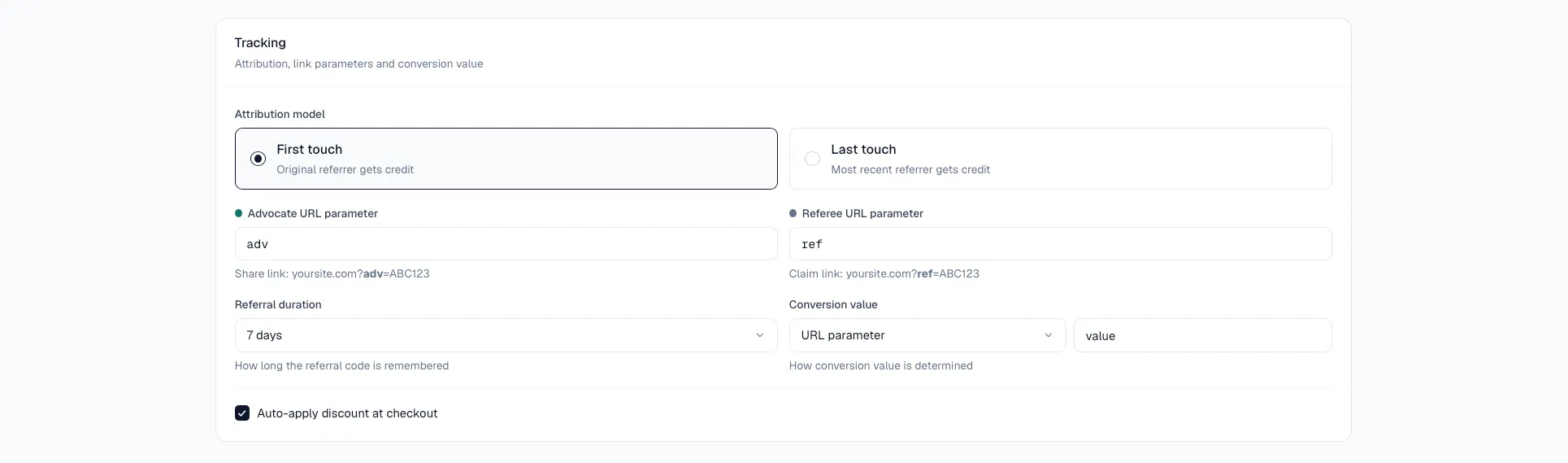
Set your rules
- Go to Configure → Rules.
- Adjust the settings to suit your program.
- Save.