

Widget Settings
Widget Settings control the appearance and copy of your referral widget — the colors it inherits, the messages customers see, and which share options appear. Set them under Configure → Widget.
This page covers configuring the widget. To put a widget on your site (script tag, shortcode, or hosted brand page), see Widgets.
Appearance
The widget inherits your Branding (logo and accent color).
Messages
- Checkout applied message — the confirmation a referred customer sees when their discount applies.
- Discount line label — the label shown on the discount line in the cart.
Share channels
Choose which sharing options appear in the widget — for example, email, copy-link, and social channels.
Live preview
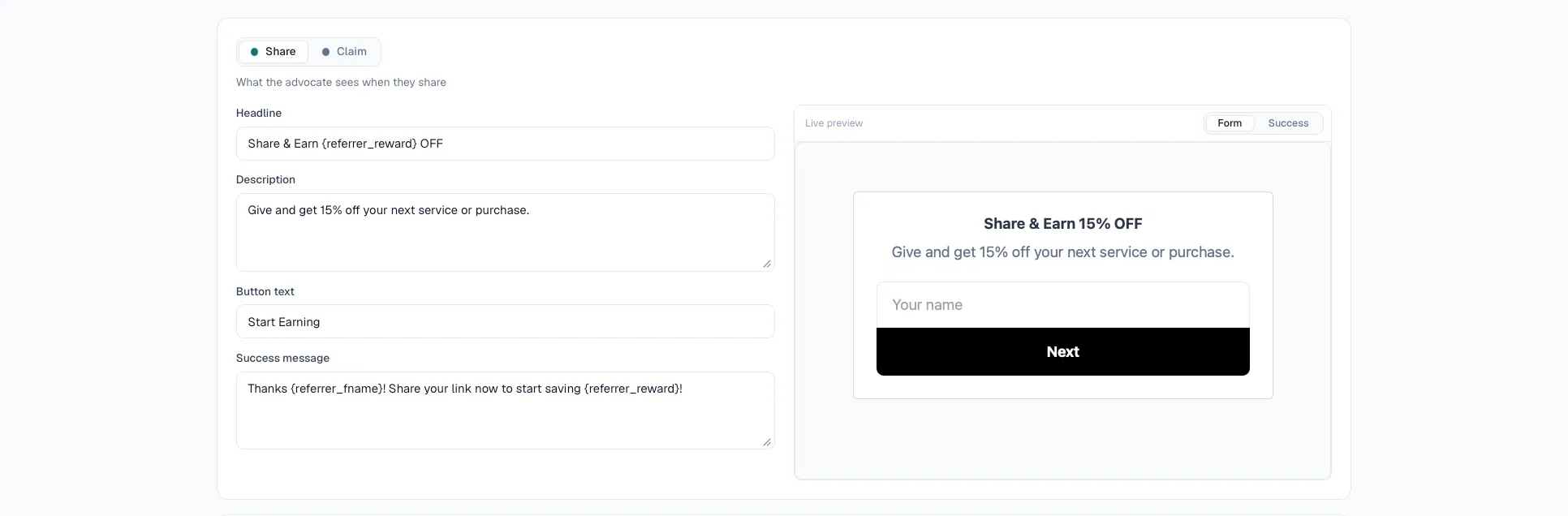
As you change settings, the dashboard shows a live preview so you can see the widget update before saving.
Save your changes
- Go to Configure → Widget.
- Adjust appearance, messages, and share channels.
- Save — changes take effect on the next page load on your site.