

Notifications
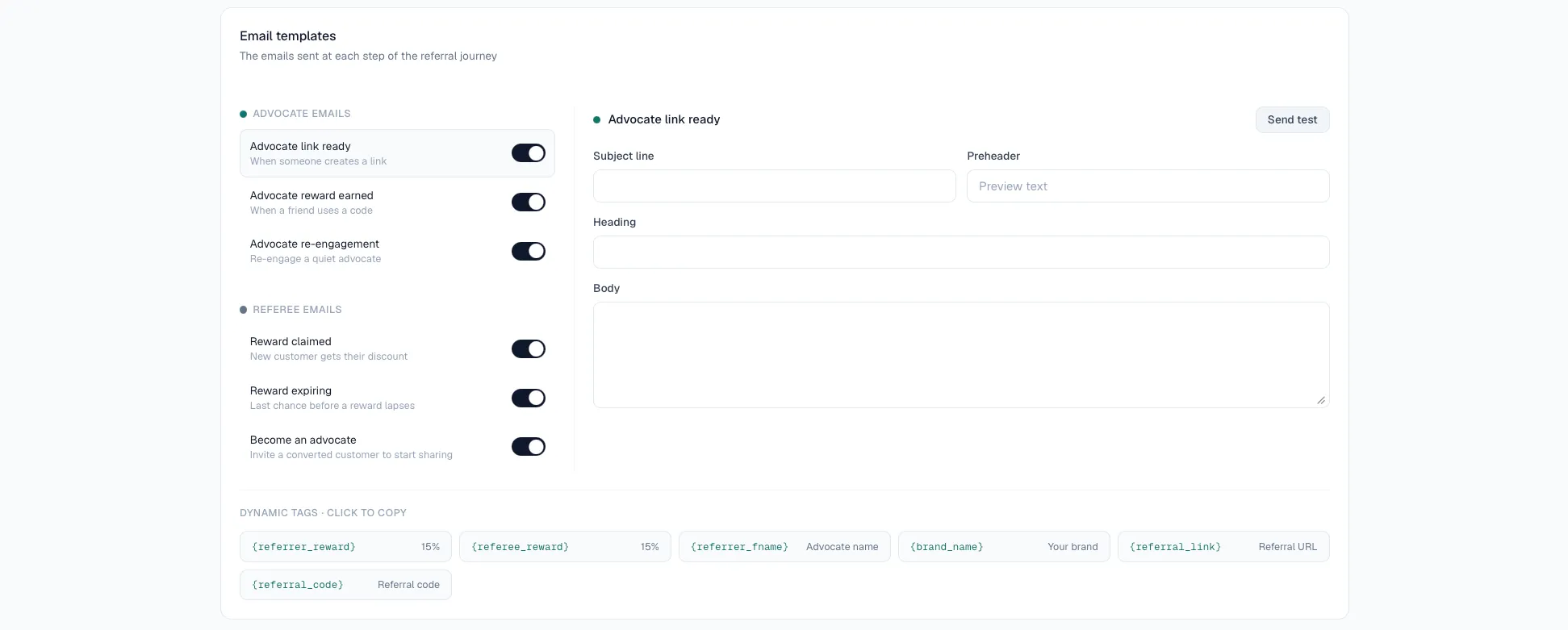
AdvocateLoop can send program emails on your behalf — keeping advocates and referred friends informed as referrals progress. Choose which ones are on under Configure → Notifications.
Available notifications
Advocate Link Ready — sent to advocates when their referral link is ready Advocate Rewards Earned — sent to advocates a referral converted Advocate Re-engagement — sent to advocates when the system identifies them as inactive Reward Claimed — sent to referral when they’ve claimed a pending reward Reward Expirings — sent to referrals with pending rewards Become an Advocate — sent to referrals who are eligible to become an advocate
Sender details
The emails will be sent to Advocates and Referrals using AdvocateLoop domain by default. The From and Reply To can be set in the Notifications section.
Turn notifications on or off
- Go to Configure → Notifications.
- Toggle each notification on or off.
- Modify the email content to fit your brand voice (optional).
- Enable or disable call-to-action links in emails where applicable.
- Save.